
How to Create an XMAN247 ID and Log In: Step-by-Step Guide (2026)
Quick answer: To get an XMAN247 ID, open xman247app.pro, contact official support on WhatsApp, confirm you are 18 or older, and follow the steps support gives you. Once your ID is ready, go to the XMAN247 login page, enter your ID and password, and sign in. This guide explains each step, common login fixes and safety tips (updated 2026).
What Is an XMAN247 ID?
An XMAN247 ID is your personal account ID on the XMAN247 gaming portal. You use it, together with your password, to log in on the website or the XMAN247 app. Each ID belongs to one person and should never be shared.
Before You Start
- You must be 18 years or older.
- Check that online gaming is legal where you live. Rules differ by country and state.
- Keep a working mobile number and a stable internet connection ready.
- Use only the official website xman247app.pro. Do not trust links from unknown people.
How to Create an XMAN247 ID (Step by Step)
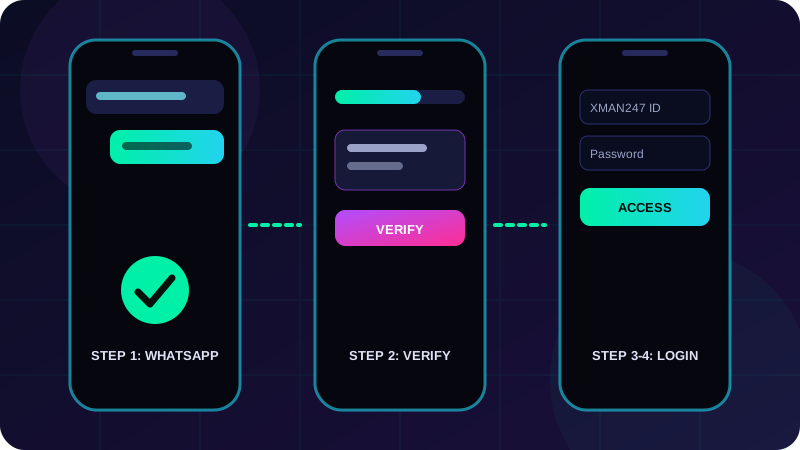
- Open the official site. Visit xman247app.pro in your browser.
- Go to the signup page. Tap Sign Up or open the XMAN247 register page.
- Start a WhatsApp chat with support. Registration is assisted, so use the official WhatsApp button on the site.
- Confirm your age. Tell support that you are 18 or older.
- Share the details support asks for. Verification steps can vary, so read the terms before you continue.
- Receive your ID. Support will give you your XMAN247 ID and login details. Save them safely.
- Change your password if asked and keep it private.
How to Log In to XMAN247
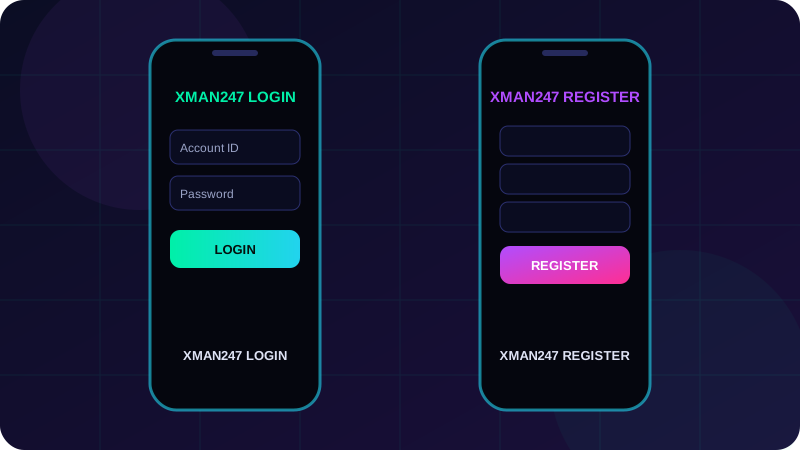
- Open the XMAN247 login page.
- Enter your XMAN247 ID.
- Enter your password.
- Tap Login.
XMAN247 Login Not Working? Quick Fixes
- Check your ID and password. Look for extra spaces and wrong capital letters.
- Forgot password? Use the Forgot password option or message official support on WhatsApp.
- Clear cache or try another browser. An old saved page can block login.
- Check your internet. Switch between Wi-Fi and mobile data.
- Still stuck? Contact support at info@xman247app.pro or on WhatsApp.
Using the XMAN247 App
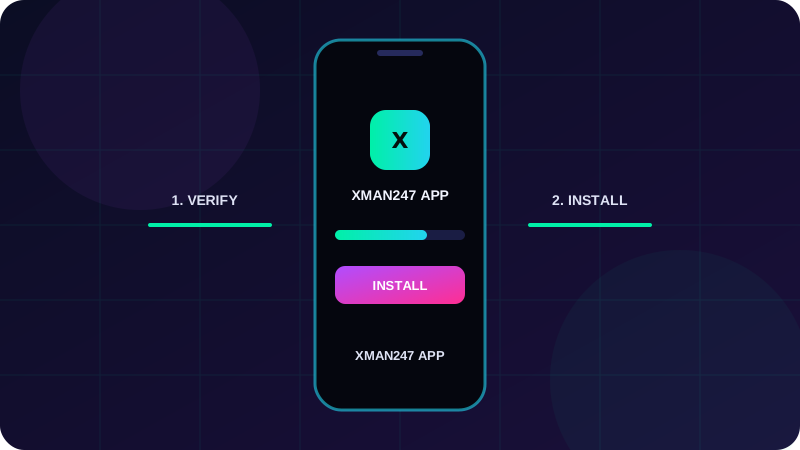
You can also play through the XMAN247 app. Download it only from the link on the official website, then log in with the same ID and password. Never install files sent by strangers.
Safety Tips for Your Gaming ID
- Never share your password or OTP with anyone, including people claiming to be support.
- Use a strong password you do not use on other sites.
- Always check that the address is xman247app.pro before logging in.
- Log out on shared phones or computers.
Play Responsibly
Gaming should be entertainment, never a way to earn money. Set a budget and a time limit, never chase losses, and take breaks. Read our responsible gaming, privacy policy and disclaimer pages. This content is for adults 18+ only.
Frequently Asked Questions
What is an XMAN247 ID?
It is your personal account ID for the XMAN247 gaming portal. You use it with a password to log in on the website or app.
How do I create an XMAN247 ID?
Open xman247app.pro, contact support on WhatsApp, confirm you are 18+, and follow the steps support gives you to receive your ID.
Where do I log in to XMAN247?
Use the login page at xman247app.pro/login. Enter your ID and password, then tap Login.
What should I do if I forget my XMAN247 password?
Use the Forgot password option on the login page, or message official support on WhatsApp or at info@xman247app.pro.
Is there an XMAN247 app?
Yes. Download it only from the official website and log in with your existing ID and password.
Who can create an XMAN247 ID?
Only adults aged 18 or older, in places where online gaming is allowed by local law.
Is it safe to share my XMAN247 login details?
No. Never share your password or OTP with anyone. Official support will not ask for your password.
More From XMAN247
Related Articles

Cricket Odds Explained: Match Odds, Session & Fancy Markets on Xman247 (Beginner Guide)
Learn how Xman247 cricket odds and markets work: back and lay, match odds, session, fancy, implied probability, worked examples and safe money rules. 18+ only.
Read More →
GTA 6 Release Day: What Indian Gamers Should Know About XMAN247 ID
Explore XMAN247, learn about XMAN247 ID, XMAN247 Login and XMAN247 Register with this beginner-friendly guide for Indian adults.
Read More →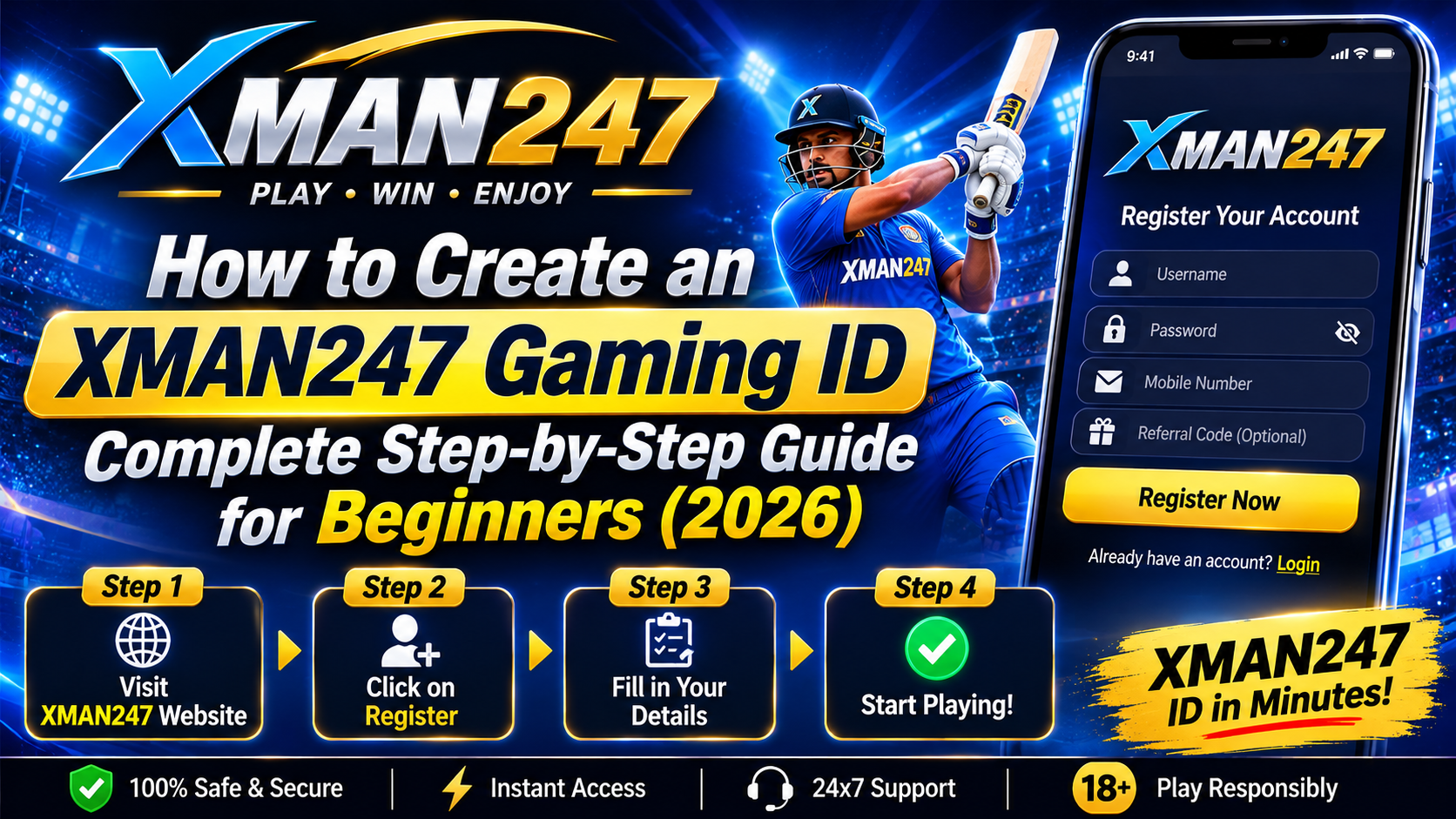
How to Create an XMAN247 Gaming ID: Complete Step-by-Step Guide for Beginners (2026)
Learn how to create an XMAN247 gaming ID, log in, get the app and stay safe. Step-by-step beginner guide with FAQs. 18+ only.
Read More →